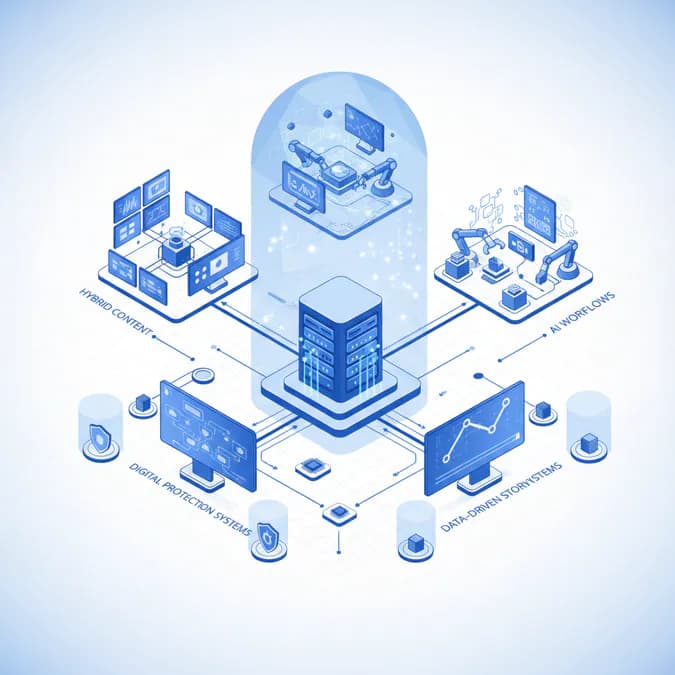
In today's fast-paced video production landscape, efficiency is key. An automated pipeline can be a game-changer, allowing you to streamline your workflow, minimize errors, and maximize productivity. This comprehensive guide will walk you through the essential aspects of implementing and optimizing an automated pipeline for your video projects.
Table of Contents
- Understanding Automated Pipelines
- Building Your Automated Pipeline
- Optimizing Your Automated Pipeline
- The Bottom Line
- Key Takeaways
Understanding Automated Pipelines
An automated pipeline, in the context of video production, refers to a series of automated processes that handle various tasks, from ingesting raw footage to rendering the final product. These processes can include transcoding, editing, color correction, audio mixing, and distribution. By automating these steps, you can free up valuable time and resources, allowing your creative team to focus on the artistic aspects of video production.
Key Benefits of Automation
- Increased Efficiency: Automation significantly reduces the time required to complete video projects. Tasks that once took hours can be accomplished in minutes.
- Reduced Errors: Automated processes are less prone to human error, leading to higher quality output and fewer revisions.
- Cost Savings: By streamlining workflows and reducing errors, automation can lead to significant cost savings in the long run.
- Improved Consistency: Automated pipelines ensure consistent results across all projects, maintaining a high level of quality.
- Scalability: Automation makes it easier to scale your video production operations to meet growing demand.
Building Your Automated Pipeline
Creating an effective automated pipeline requires careful planning and execution. Here's a step-by-step guide to help you get started:
1. Assess Your Current Workflow
Before you can automate your pipeline, you need to understand your current workflow. Identify the tasks that are most time-consuming, repetitive, and prone to error. This will help you prioritize which processes to automate first.
2. Choose the Right Tools
There are many software and hardware solutions available for automating video production tasks. Some popular options include:
- Media Asset Management (MAM) Systems: These systems help you organize, store, and manage your video assets.
- Transcoding Software: These tools automatically convert video files into different formats and resolutions.
- Editing Software with Automation Features: Many popular editing programs, such as Adobe Premiere Pro and Final Cut Pro, offer automation features like batch processing and scripting.
- Rendering Engines: These engines automate the rendering process, allowing you to quickly generate final video files.
- Cloud-Based Solutions: Cloud platforms offer a variety of automation tools and services, such as automated transcoding, editing, and distribution.
3. Design Your Pipeline
Once you've chosen your tools, you need to design your automated pipeline. This involves mapping out the steps in your workflow and determining how each task will be automated. Consider the following factors:
- Input Formats: What types of video files will you be working with?
- Output Formats: What formats and resolutions do you need to deliver?
- Processing Steps: What editing, color correction, and audio mixing tasks need to be performed?
- Distribution Channels: Where will your videos be distributed (e.g., YouTube, Vimeo, social media)?
4. Implement Automation Scripts and Workflows
Most automation tools allow you to create scripts or workflows that define the steps in your pipeline. These scripts can be written in languages like Python or JavaScript, or they can be created using visual workflow editors. Be sure to thoroughly test your scripts and workflows to ensure they are working correctly.
5. Integrate Your Systems
To maximize the benefits of automation, it's important to integrate your various systems. This means connecting your MAM system, transcoding software, editing software, and rendering engine so that they can communicate with each other seamlessly. Integration can be achieved through APIs, scripting, or custom integrations.
Optimizing Your Automated Pipeline
Once your automated pipeline is up and running, it's important to continuously monitor and optimize its performance. Here are some tips for optimizing your pipeline:
1. Monitor Performance Metrics
Track key performance metrics, such as processing time, error rates, and resource utilization. This will help you identify bottlenecks and areas for improvement.
2. Fine-Tune Your Scripts and Workflows
Continuously refine your automation scripts and workflows to improve their efficiency and accuracy. Experiment with different settings and parameters to find the optimal configuration.
3. Upgrade Your Hardware and Software
As your video production needs grow, you may need to upgrade your hardware and software to keep up with demand. Consider investing in faster processors, more memory, and more powerful graphics cards.
4. Leverage Cloud-Based Services
Cloud-based services can provide a scalable and cost-effective way to automate your video production pipeline. Consider using cloud-based transcoding, editing, and rendering services to offload processing tasks and reduce your infrastructure costs.
5. Stay Up-to-Date with the Latest Technologies
The video production industry is constantly evolving, so it's important to stay up-to-date with the latest technologies and trends. Attend industry conferences, read industry publications, and network with other video professionals to learn about new automation tools and techniques.
The Bottom Line
An automated pipeline is an essential tool for any video production company looking to improve efficiency, reduce errors, and maximize productivity. By carefully planning, implementing, and optimizing your pipeline, you can streamline your workflow and focus on creating high-quality video content.
Key Takeaways
- Implementing an automated pipeline can significantly enhance video production efficiency.
- Choosing the right tools and integrating systems is crucial for success.
- Continuous monitoring and optimization of your pipeline will lead to better results.
- Stay informed about the latest trends and technologies in video production.
- Consider leveraging cloud-based services for scalability and cost-effectiveness.
For further reading, consider exploring resources from Adobe and PremiumBeat for insights on video production automation.