Table of Contents

- Understanding Display Resolutions
- What is 4K Resolution?
- What is 8K Resolution?
- Why Display Quality Matters in Video Editing
- Choosing the Right Display for 4K and 8K Editing
- Proxy Workflows: Enhancing Performance
- Storage Solutions for 4K and 8K Video Editing
- The Bottom Line
- Key Takeaways
Understanding Display Resolutions
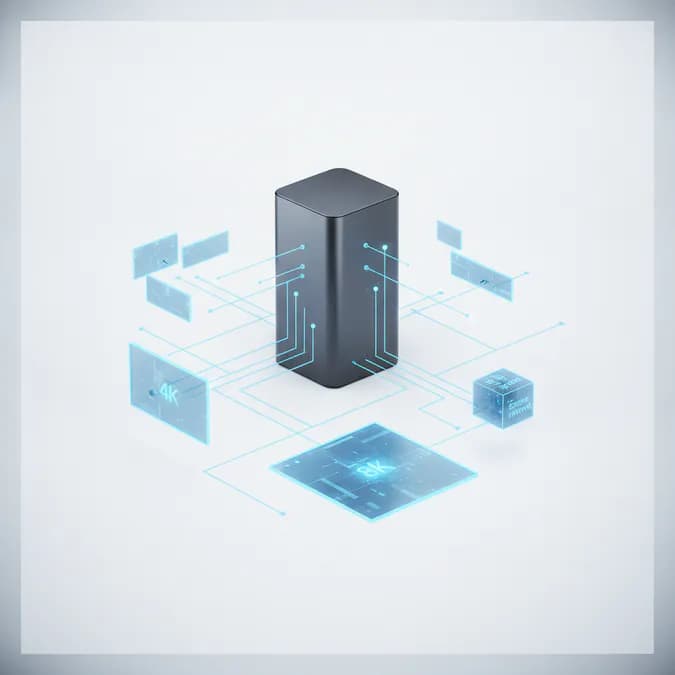
Display resolution refers to the number of pixels that make up the image on a screen. Higher resolutions provide more detail and clarity, which is vital for video editing. The two most popular resolutions in the current market are 4K and 8K.
What is 4K Resolution?
4K resolution, also known as Ultra High Definition (UHD), has a pixel count of 3840 x 2160. This reso

What is 8K Resolution?
8K resolution takes clarity to the next level, boasting a pixel count of 7680 x 4320. This resolution provides an astonishing sixteen times the pixel density of Full HD. While 8K content is still relatively rare, having an 8K display can future-proof your editing setup and provide unparalleled detail for projects that require the utmost precision.
Why Display Quality Matters in Video Editing
Choosing the right display for video editing is not just about resolution. Several factors contribute to the overall quality of the editing experience:
- Color Accuracy: Accurate color representation is essential for video editing. Displays with high color fidelity ensure that the colors you see on-screen match the final output.
- Brightness and Contrast: A display with high brightness levels and good contrast ratios enhances visibility, especially in bright editing environments.
- Refresh Rate: A higher refresh rate can lead to smoother playback, which is particularly beneficial when editing fast-paced footage.
- Viewing Angles: Wide viewing angles allow multiple people to view the screen without color distortion, which is important during collaborative editing sessions.
Choosing the Right Display for 4K and 8K Editing
When selecting a display for 4K or 8K video editing, consider the following factors:
1. Resolution
While 4K displays are widely available and suitable for most editing tasks, investing in an 8K display can provide additional detail for high-end projects. However, ensure that your editing software and hardware can handle 8K workflows efficiently.
2. Panel Technology
The type of panel used in a display can significantly affect performance. Common panel types include:
- IPS (In-Plane Switching): Known for excellent color accuracy and wide viewing angles, making it ideal for video editing.
- VA (Vertical Alignment): Offers better contrast ratios but may have slower response times.
- OLED (Organic Light Emitting Diode): Provides stunning color and contrast but can be more expensive.
3. Color Gamut
Look for displays that cover a wide color gamut, such as Adobe RGB or DCI-P3. This ensures that you can work with a broader range of colors, which is crucial for accurate color grading.
4. Connectivity Options
Ensure that your display has the necessary connectivity options, such as HDMI 2.0 or DisplayPort 1.4, to support 4K and 8K resolutions. Additionally, consider USB-C ports for modern laptops and devices.
5. Calibration Capabilities
Some displays come with built-in calibration tools or support external calibration devices. Regular calibration is essential to maintain color accuracy over time.
Proxy Workflows: Enhancing Performance
When working with 4K and 8K footage, the file sizes can be enormous, potentially slowing down your editing process. Implementing a proxy workflow can significantly enhance performance:
- What is a Proxy Workflow? A proxy workflow involves creating lower-resolution copies of your high-resolution footage for editing. This allows for smoother playback and faster editing without sacrificing the final output quality.
- Benefits of Proxy Workflows: By using proxies, you can edit more efficiently, especially on less powerful machines. Once editing is complete, you can easily switch back to the original high-resolution files for final rendering.
Storage Solutions for 4K and 8K Video Editing
Fast storage solutions are crucial for handling the large files associated with 4K and 8K video editing. Consider the following options:
- Solid State Drives (SSDs): SSDs provide significantly faster read and write speeds compared to traditional hard drives, making them ideal for video editing.
- RAID Configurations: Implementing a RAID setup can enhance performance and provide redundancy, ensuring data safety.
- External Drives: High-speed external drives can be used for additional storage and portability, allowing you to edit on the go.
The Bottom Line
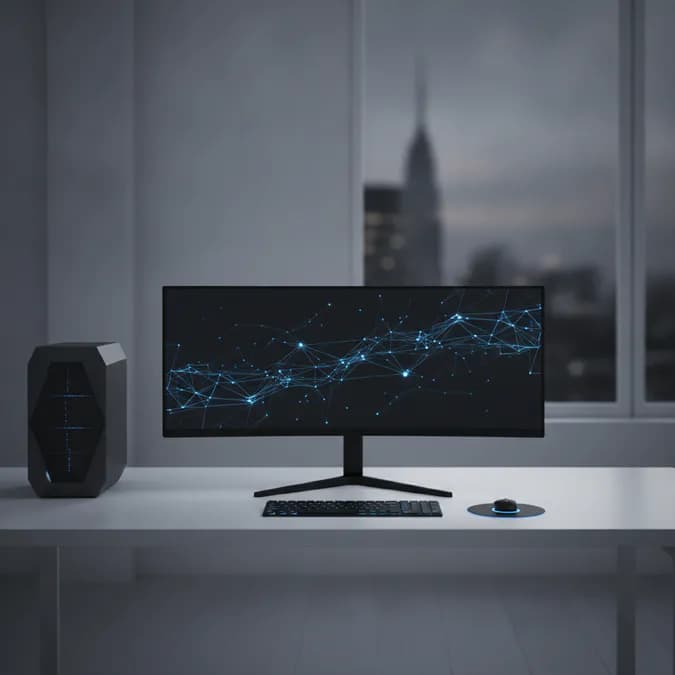
Choosing the best display resolution for 4K and 8K video editing is a multifaceted decision that involves considering resolution, panel technology, color accuracy, and storage solutions. A high-grade 4K or 8K display, combined with a proxy workflow and fast storage, will deliver better value and enhance your editing experience. As the demand for high-resolution content continues to grow, investing in the right technology will ensure that you remain competitive in the ever-evolving video production landscape.
By understanding the importance of display resolution and the factors that contribute to a successful editing setup, you can make informed decisions that elevate your video editing projects to new heights.
Key Takeaways
- Display resolution is crucial for video editing, with 4K and 8K being the most relevant options.
- Investing in the right display technology can enhance your editing precision and efficiency.
- Utilizing proxy workflows can significantly improve performance when handling large video files.
- Fast storage solutions are essential for managing high-resolution video editing tasks.
- Regular calibration and color accuracy are vital for achieving the best results in video production.