Display resolution refers to the number of pixels that compose the image on a screen. Higher resolutions provide more detail and clarity, which is especially important in video editing where precision is key. For video editors working with 4K and 8K footage, selecting the right display resolution can enhance the editing process and improve the final output.
Wha
t is 4K and 8K Video?
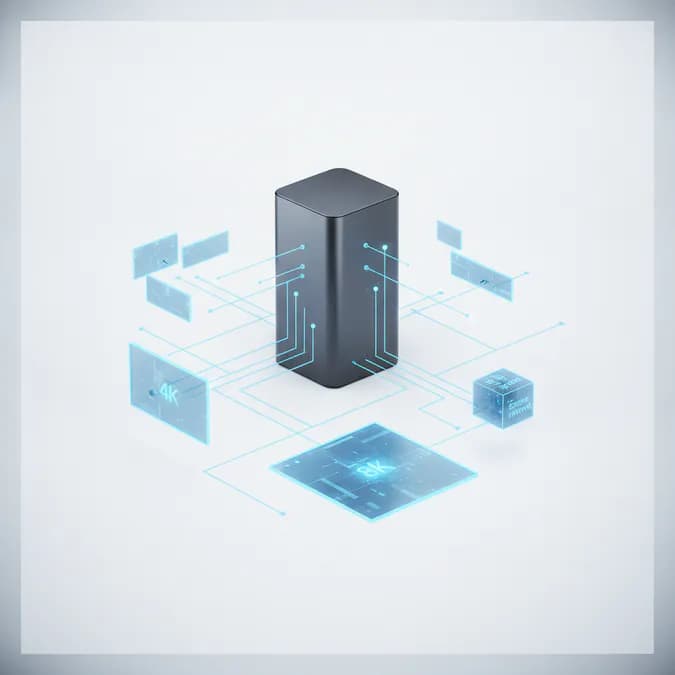
4K video, also known as Ultra High Definition (UHD), has a resolution of 3840 x 2160 pixels, while 8K video boasts an impressive resolution of 7680 x 4320 pixels. The jump from 4K to 8K represents a significant increase in pixel density, allowing for greater detail and more immersive viewing experiences. However, editing in these formats requires powerful hardware and high-quality displays to fully realize their potential.
Choosing the Right Display for Video Editing
When it comes to video editing, not all displays are created equal. Here are some key factors to consider when selecting a display for 4K and 8K video editing:
Resolution: Opt for a display that supports at least 4K resolution. For 8K editing, a native 8K display is recommended to ensure you can view the footage in its full glory.
Color Accuracy: Look for displays that offer high color accuracy and wide color gamut coverage. This is crucial for color grading and ensuring that your final output matches your creative vision.
Refresh Rate: A higher refresh rate can lead to smoother playback and editing experiences, especially when working with high frame rate footage.
Panel Technology: IPS panels are often preferred for video editing due to their superior color reproduction and viewing angles compared to TN panels.
High-Grade Displays: A Worthwhile Investment
Investing in a high-grade 4K or 5K display can significantly enhance your video editing workflow. These displays not only provide better resolution but also improve color accuracy and viewing angles. A display with HDR (High Dynamic Range) support can further elevate your editing experience by allowing you to see a broader range of colors and contrast levels.
The Role of Proxy Workflows
Editing high-resolution video files can be taxing on your computer’s resources. This is where proxy workflows come into play. A proxy workflow involves creating lower-resolution copies of your original footage, which are easier to edit. Once the editing process is complete, the final edits can be applied to the original high-resolution files.
Using proxies not only speeds up the editing process but also allows for smoother playback, especially on less powerful machines. Many editing software programs, such as Adobe Premiere Pro and Final Cut Pro, offer built-in proxy workflow options, making it easier for editors to manage high-resolution footage.
Fast Storage Solutions
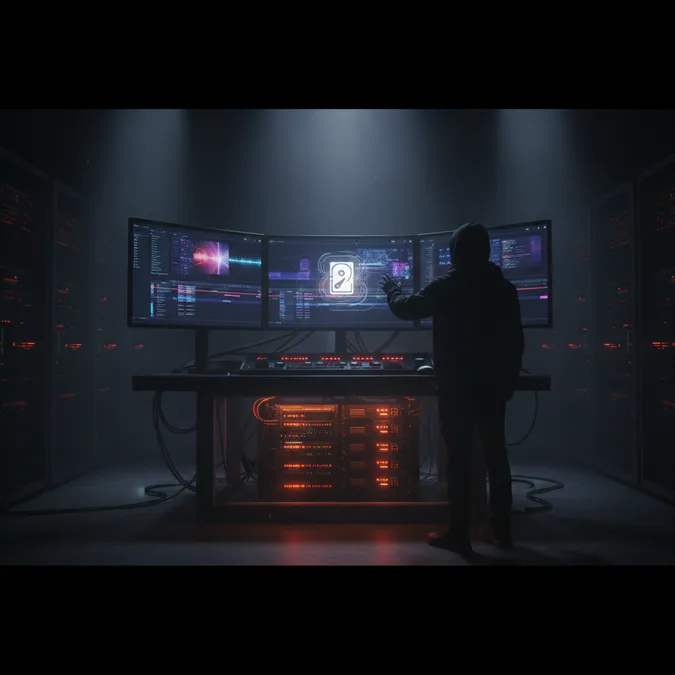
In addition to a high-quality display and efficient proxy workflow, fast storage solutions are essential for video editing. The speed of your storage drives can significantly affect how quickly you can access and edit your footage. Here are some storage options to consider:
Solid State Drives (SSDs): SSDs offer faster read and write speeds compared to traditional hard drives, making them ideal for video editing. They can drastically reduce load times and improve overall performance.
RAID Configurations: Implementing a RAID (Redundant Array of Independent Disks) setup can enhance data redundancy and improve read/write speeds, providing a more reliable editing environment.
External Drives: High-speed external drives can be a great option for storing and accessing large video files, especially when working on multiple projects.
Color Accuracy and Calibration
Color accuracy is paramount in video editing, as it ensures that the colors you see on your display match the final output. To achieve this, it’s essential to calibrate your display regularly. Calibration tools and software can help you adjust your display settings to achieve accurate color representation.
Many high-end displays come with factory calibration, but for the best results, you may want to invest in a calibration tool. This will help you maintain consistent color accuracy throughout your editing process, ensuring that your work translates well across different devices and platforms.
The Bottom Line
Choosing the best display resolution for 4K and 8K video editing involves considering various factors, including display quality, proxy workflows, storage solutions, and color accuracy. A high-grade display, combined with a robust editing workflow and fast storage, can greatly enhance your video editing experience. As technology continues to evolve, staying informed about the latest advancements in display technology will help you make the best choices for your editing needs.
Investing in the right tools and technologies is essential for any video editor looking to produce high-quality content. By understanding the importance of display resolution and how it impacts your workflow, you can create stunning videos that captivate your audience.
Frequently Asked Questions
What is the best display resolution for video editing?
The best display resolution for video editing is typically 4K or 8K, as these resolutions provide the detail and clarity needed for professional work.
Do I need a special monitor for 4K and 8K editing?
Yes, for optimal editing of 4K and 8K footage, it is recommended to use a monitor that supports these resolutions natively.
How often should I calibrate my display?
It is advisable to calibrate your display regularly, ideally every few months, to ensure color accuracy remains consistent.
What are the benefits of using proxy workflows?
Proxy workflows allow for smoother editing and playback by using lower-resolution copies of high-resolution footage, which can significantly reduce the strain on your computer's resources.
Why is color accuracy important in video editing?
Color accuracy is crucial in video editing because it ensures that the colors you see during editing match the final output, which is essential for maintaining your creative vision.
Discover the ultimate guide to display resolution for 4K and 8K video editing. Learn how to choose the right monitor for optimal performance and color accuracy.
Discover the essential display resolutions for 4K and 8K video editing. Learn how to choose the right monitor for optimal performance and stunning visuals.